Production reporting
From live measurements to an Excel report.
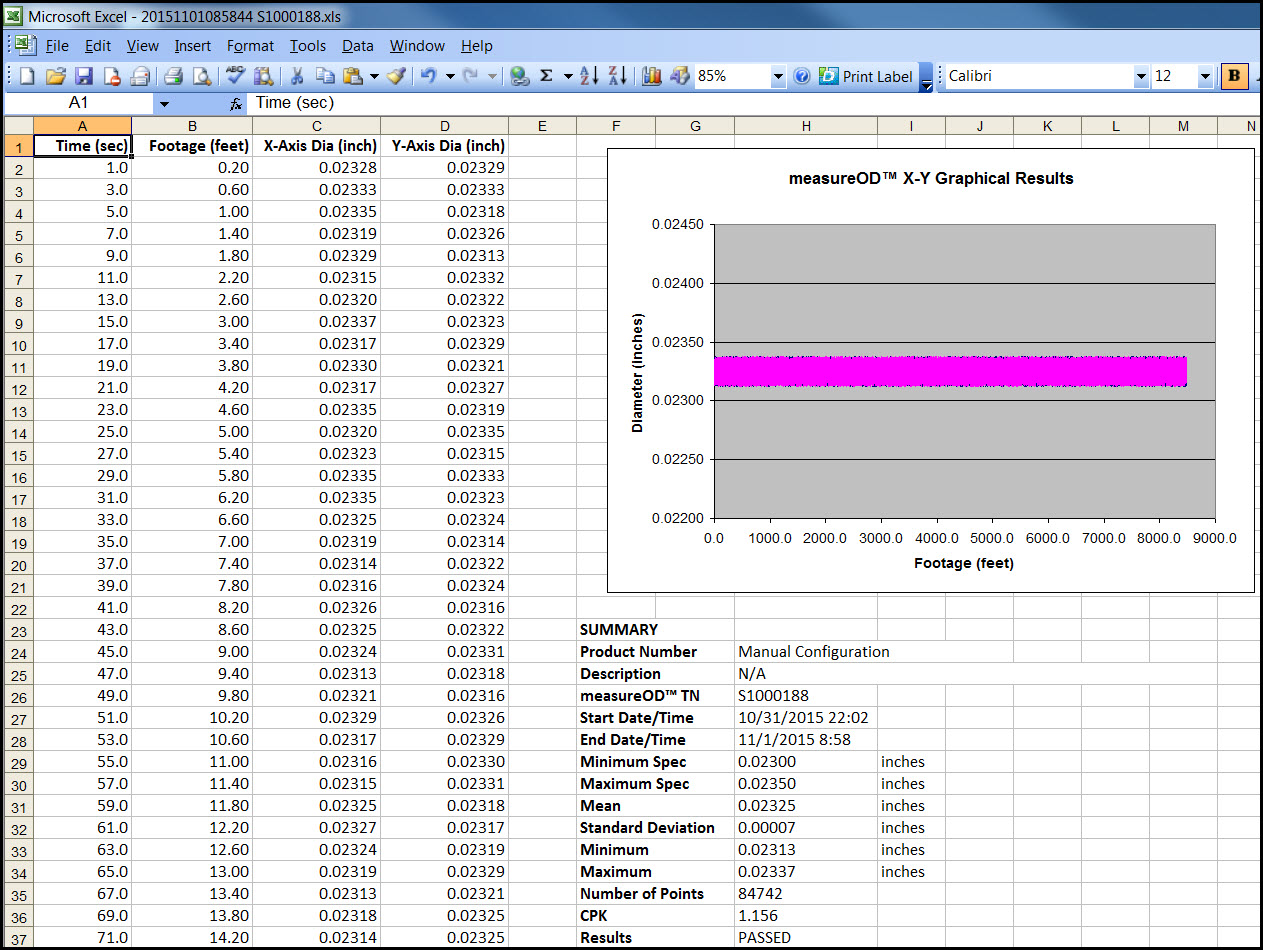
Export the current MultiWire MeasureOD® results to Microsoft Excel with measurement data, graphs, and an SPC summary ready to print or save.
Report workflow
Capture the run in a usable format.
When measurement is paused, use the software’s print/export function to create an Excel report from the current results.
- Measure one to six wires in MultiWire MeasureOD®.
- Pause the run when you are ready to export the current results.
- Choose the print/export function to send the results to Microsoft Excel.
- Print the report or save the workbook for your records.
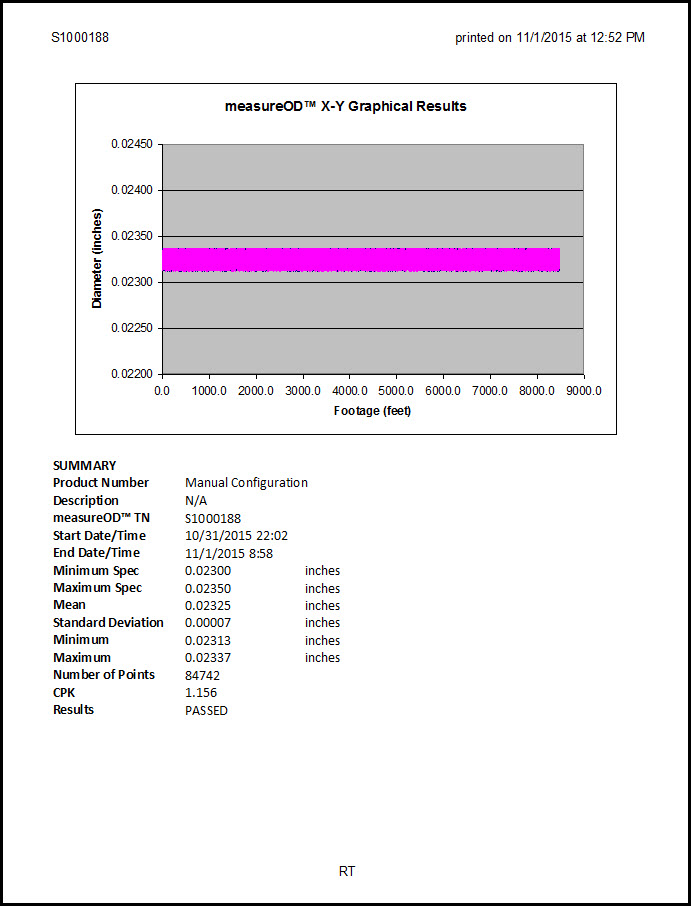
The Excel output includes the graphical results and SPC summary described in the MultiWire MeasureOD® User Guide.
Original workbook views
Worksheet data and the printed report.
The screenshots below are from the original MultiWire MeasureOD website and show the exported worksheet and print-ready summary.